Color your folders
Choose an accent for each folder so kicks, snares and other sounds are easy to spot.

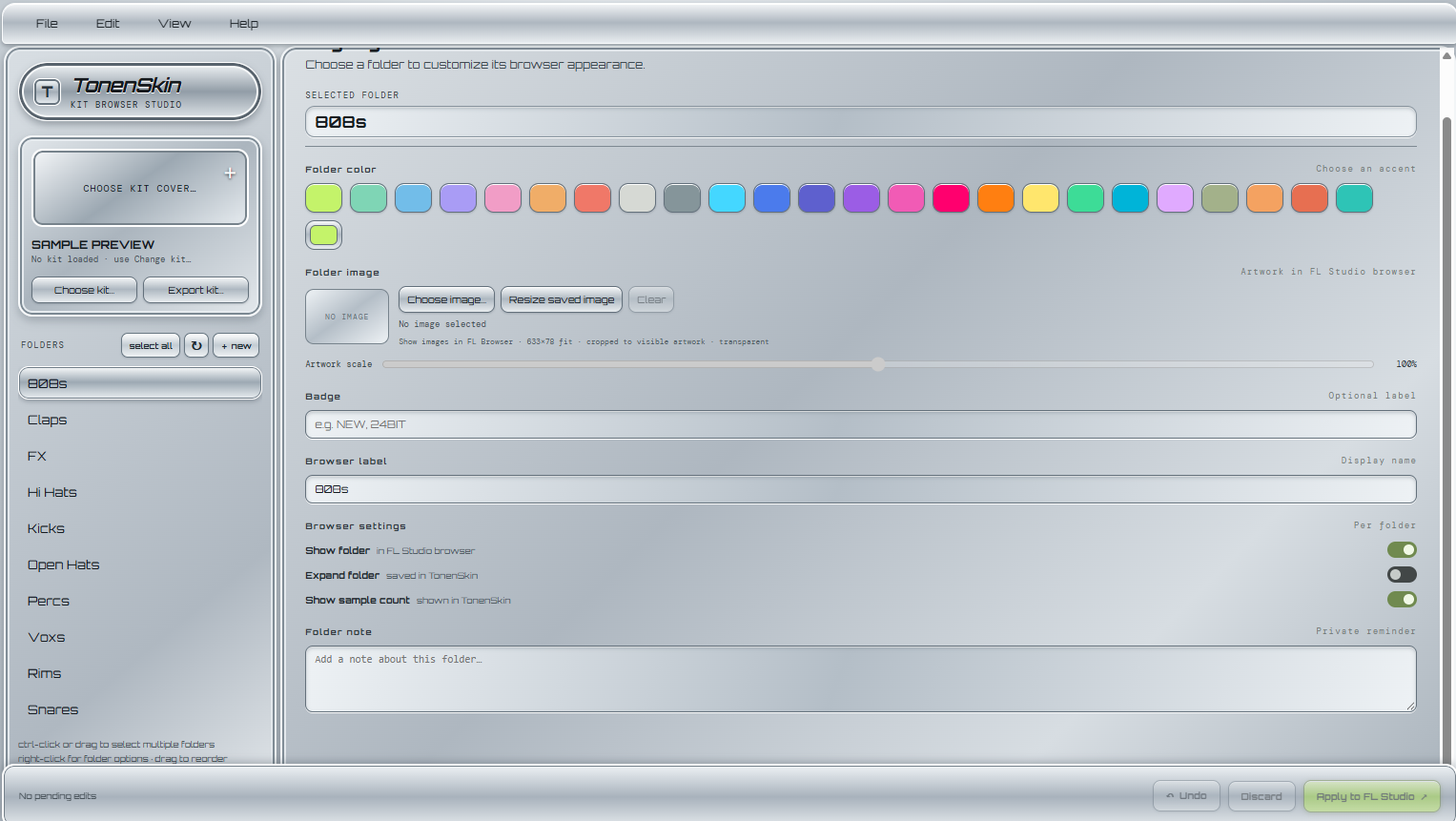
Give your FL Studio kit browser a look that feels like yours. Color folders, add custom artwork and labels, then apply the style to your kit.
Windows 10/11 · 64-bit · Portable RAR archive
Download TonenSkinExtract the RAR archive, then open TonenSkin.exe.
FL STUDIO REQUIRED TO APPLY FOLDER STYLES
Choose an accent for each folder so kicks, snares and other sounds are easy to spot.
Choose folder artwork and adjust its scale for the FL Studio browser.
Use custom browser labels and private folder notes to keep your collection organized.
Apply your folder styling in FL Studio or export a kit ZIP with its artwork.
TonenSkin is a portable Windows utility. It does not include drum kits or personal kit files. Chrome or Microsoft Edge is required to view the app.